
Custom software
Why and how to replace your spreadsheets with a system? Know when your company needs to evolve
Does your company rely on spreadsheets to manage customers, sales, and processes? Understand the risks, the advantages of a system, and how to migrate.
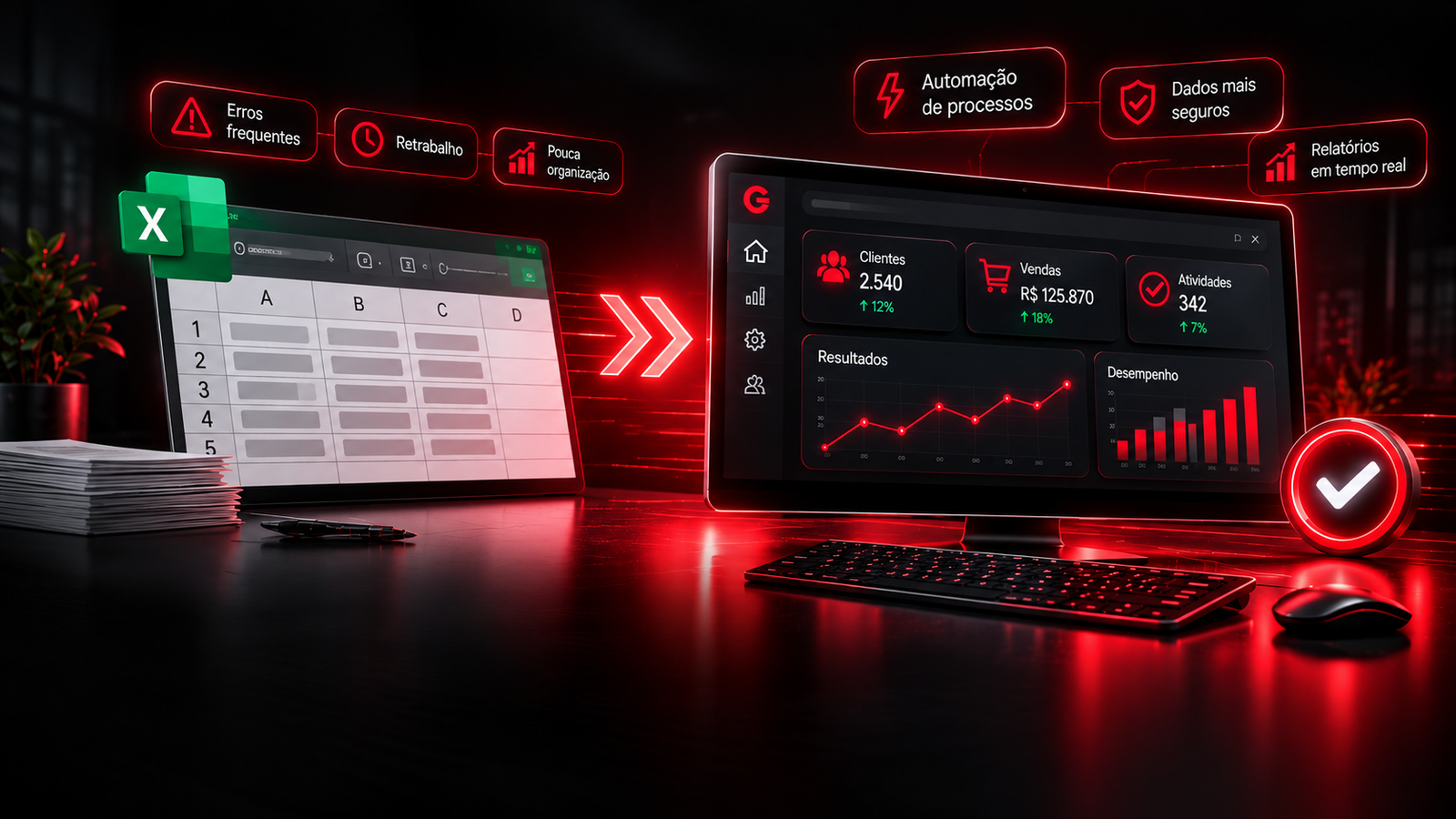
Introduction: when a spreadsheet stops helping and starts getting in the way
Spreadsheets are useful for organizing information, tracking expenses, following sales, registering customers, and running different parts of a business. Because they are accessible, flexible, and relatively simple to use, many companies start structuring their processes in Excel, Google Sheets, or similar tools.
The problem appears when the business grows and spreadsheets start controlling operations that matter more and more.
The same information has to be updated in several files. People work from different versions of the same sheet. Formulas break, data is deleted by accident, and tasks that could run automatically still depend on someone filling in fields by hand.
At that point, the tool that should make management easier starts creating rework, delays, and operational risk.
Replacing spreadsheets with a system does not mean abandoning every organization tool. It means identifying processes that already need more control, security, and automation than a conventional spreadsheet can offer.
In this article you will see the main problems of relying too much on spreadsheets, how custom software can improve management, when the change is worth it, and the steps to turn a spreadsheet into a digital solution.
1. What are the problems of using spreadsheets to run a company?
A spreadsheet can work well when there is little data, few people involved, and simple processes. As the operation becomes more complex, limitations start to show.
The problems rarely appear all at once. They usually pile up until the team notices it is spending more time organizing information than using that information to work.
1.1. Information scattered across several files
It is common to find a company with one spreadsheet for customers, another for sales, a third for inventory, and extra files for finance, suppliers, and reports.
The issue is that this information is separated.
If a customer updates their details, someone may need to change the record by hand in different files. If that does not happen, the company starts working with inconsistent data.
In an integrated system, that information can be centralized. One record can be used by different modules, without repeating the same data in several places.
1.2. Data-entry errors and formulas
Spreadsheets give people freedom to enter and change information. That flexibility also lets users delete formulas, change important cells, use the wrong format, or fill data in the wrong fields.
Imagine a finance spreadsheet where the formula that calculates the monthly balance is changed by accident. If the error is not caught, later reports can show incorrect results.
Custom software can reduce that risk with validated fields, business rules, and automatic calculations. For example: blocking an invalid tax ID, rejecting negative values where they are not allowed, calculating totals automatically, requiring mandatory fields before a record is saved, and restricting changes to important records.
That does not remove every possible error, but it reduces dependence on manual entry and fewer chances of inconsistency.
1.3. Little control over who can see and change data
When a spreadsheet is shared among several employees, it can be hard to control exactly what each person can view or edit. Depending on the setup, someone may change financial information, delete records, or edit data that is not part of their job.
In a system, different access levels can be implemented.
| Role | Typical permissions |
|---|---|
| Administrator | Full access and user management |
| Finance | Accounts, payments, and financial reports |
| Sales | Customers, proposals, and sales |
| Operations | Operational information and activities |
Important changes can also be logged, with the user and the time of the edit. That control matters when different departments work with the same data.
1.4. Manual processes that consume time
Many companies use spreadsheets to record information that could be processed automatically. Think of a routine where an employee has to receive customer data, open a spreadsheet, find the right row, enter the information, update another file, check the values, and send a confirmation by hand.
When that happens a few times, it can look simple. When it repeats dozens or hundreds of times, it becomes a large volume of work.
A system can automate steps such as calculations, updates, notifications, report generation, and integration between processes. The result is less operational work and more time for activities that actually need the team.
1.5. Difficulty finding information and generating reports
The larger the volume of data, the harder it is to find specific information in files with many tabs, formulas, and filters. Simple questions can take several steps: how many customers were registered this month, which product sold the most, which payments are late, who carried out a given activity, how much the company billed in a period, and which tasks are still pending.
A system can present that information in dashboards, filters, and reports updated from the operation's own records, instead of building reports by hand each time.
1.6. Difficulty growing and connecting tools
A spreadsheet built for five customers can work perfectly. Will it still be adequate when the company has hundreds of customers, several employees, and different processes running at the same time?
Growth increases the amount of information, users, rules, and activities that need to be controlled. A company may also need to connect management to payment platforms, finance systems, support apps, websites and forms, scheduling tools, inventory systems, and external APIs.
Spreadsheets can take part in integrations, but more complex processes often need their own structure to keep consistency, control, and maintenance.
2. Spreadsheet or system: which is the better option?
There is no universal answer. Spreadsheets remain useful for quick calculations, one-off analysis, simple controls, and individual work. A system starts to make more sense when the company needs to turn information into organized, shared, recurring processes.
| Criterion | Conventional spreadsheet | Custom system |
|---|---|---|
| Organization | Files, tabs, and cells | Modules and data structures |
| Updates | Usually manual | Can be automatic |
| Access | File sharing | Users and individual permissions |
| Validation | Formulas and settings | Rules specific to the process |
| Reports | Need formulas and adjustments | Can be generated automatically |
| Integrations | Possible, but may need workarounds | Can be planned around the need |
| History | Depends on the feature used | Can log changes and who made them |
| Customization | Limited to the spreadsheet structure | Adapted to how the company works |
| Growth | May require ever more complex files | Can evolve with the operation |
A system also requires investment in development, infrastructure, security, and maintenance. It is not automatically the cheapest option for every business. The decision should consider total cost, time spent by the team, the risk of errors, and the expected benefits.
3. How can custom software replace your spreadsheets?
Custom software is built around a company's needs and processes. Instead of fitting the operation into a generic tool, the solution is planned around how the business works, which information it needs to control, and which activities can be automated.
3.1. Centralized records
Important data can live in a single platform. A company that uses spreadsheets for customers, products, and sales can connect those three records. When a sale is registered, the system identifies the customer, links the products, and updates what the rules require. That reduces duplicate data and makes lookup easier.
3.2. Dashboard with indicators
Instead of opening several spreadsheets to see what is happening, the company can open a panel with the main operational information: sales in the period, active customers, income and expenses, pending payments, low stock, work in progress, goals, and comparisons between periods. Indicators should be chosen according to the decisions the company needs to make. A dashboard full of unused numbers does not solve the problem.
3.3. Automation of tasks and calculations
A system can run activities that used to depend on manual entry and checking: calculating totals, updating order status, generating due-date alerts, recording a financial movement, sending notifications, updating indicators, creating records from forms, and routing information between teams. Automation should follow clear rules. Before automating, it is important to understand how the activity works and which cases need special handling.
3.4. Access for different users
Employees, managers, and administrators can access information according to their responsibilities. That avoids sharing the same file with everyone and makes processes easier to organize. Access can be from a computer, tablet, or phone, depending on the technology and the project.
3.5. History and traceability
For important activities, knowing the current information is not always enough. It may also be necessary to understand how it got there. A system can keep records of who created a record, who changed it, when an operation happened, what the previous status was, and which steps were completed. That history helps internal audits, error tracing, and operational follow-up.
3.6. Integration with other services
Custom software does not have to work in isolation. It can talk to other tools through APIs and integrations. Imagine a company that receives requests through the website. Instead of someone copying form data into a spreadsheet, the system can register the request, link it to the customer, and notify the person responsible.
4. Practical examples: how to turn spreadsheets into systems
Example 1: finance spreadsheet
In the spreadsheet: income and expenses are entered by hand, formulas calculate the balance, and tabs separate the months.
In a system: income and expense records, custom categories, accounts payable and receivable, due-date control, pending payments, reports by period, and a panel of income, expenses, and balance. The manager can consult the numbers without rebuilding reports every time.
Example 2: customers and sales
In the spreadsheet: staff enter name, phone, product, value, and deal status in rows and columns.
In a system: a complete customer record, negotiation history, opportunities, proposals, commercial stages, the person responsible for each conversation, and conversion reports. The team can follow each relationship without depending on several files.
Example 3: inventory
In the spreadsheet: the team records product in and out movements and updates the available quantity by hand.
In a system: product records, automatic quantity updates, movement history, minimum-stock alerts, search by code or description, and reports of the most moved items. Integrations with sales and purchasing can also avoid recording the same movement in more than one place.
Example 4: tasks and internal processes
In the spreadsheet: each employee updates activity status, deadlines, and notes.
In a system: activity records, owners, deadlines and priorities, execution status, due-date notifications, change history, and completion indicators. Management follows progress in a centralized environment.
Example 5: appointments
In the spreadsheet: times are entered by hand, and someone has to check availability to avoid conflicts.
In a system: a centralized calendar, customer records, availability control, blocked occupied slots, confirmations and reminders, appointment history, and online access according to permissions. This kind of solution is especially useful for clinics, salons, independent professionals, and companies that work with reserved time slots.
5. How do you know your company already needs to replace spreadsheets?
Not every company needs to develop a system immediately. The change makes sense when the limits of the current tools start hurting the operation.
Signs that your spreadsheets may be limiting the business
- There are several files controlling parts of the same process.
- More than one person needs to update the same information.
- Staff spend a lot of time entering data by hand.
- Formula or data-entry errors happen often.
- It is hard to find which file has the correct information.
- Reports have to be built manually.
- The company cannot control access properly.
- Information has to be copied between different tools.
- The volume of data is making spreadsheets slow or hard to manage.
- The operation depends on one person who knows every formula and control.
If several of these problems are part of the routine, it is worth evaluating a more structured solution. The main point is not how many spreadsheets you use, but the impact they have on the work. One company can use dozens of simple sheets without trouble. Another can have a single spreadsheet that concentrates a critical process and represents a significant operational risk.
6. How to replace a spreadsheet with a system: migration steps
Replacement should not start with programming. Before building the software, the process being transformed has to be understood. A well-planned migration reduces rework and avoids moving old problems into a new tool.
Step 1: identify the spreadsheets and processes in use
List which spreadsheets exist and what each one is for. Important questions: what information is recorded, who uses each file, how often it is updated, which activities depend on that data, whether there are duplicate files, and which problems happen today. The goal is to find what really needs to be kept, changed, or removed.
Step 2: map how the process works
After identifying the spreadsheets, it is necessary to understand how information moves. For example: a request is received, recorded in a spreadsheet, sent to an employee, updated after execution, and finally used to generate a report. That flow needs to be documented so the system can reproduce the necessary steps and improve what causes difficulty.
Step 3: define the system requirements
With the process mapped, it is possible to define what the solution needs to offer: user types and permissions, information to be recorded, required and optional fields, validation rules, automatic calculations, reports, integrations, notifications, and security and history needs. Essential features should be separated from resources that can be added later.
Step 4: develop and test the solution
With the requirements defined, development begins. The platform can be a web system, accessible in the browser, or another kind of application. Testing should cover records and edits, calculations and business rules, user permissions, reports, integrations, behavior on different devices, and error handling. The system needs to be validated with real situations, not only simple examples.
Step 5: migrate the spreadsheet data
Existing data can be imported into the new system if it is in a compatible format and has been prepared. Before import: identify duplicates, fix incomplete records, standardize dates, values, and categories, check required fields, define how old data will relate to the new structures, and validate a sample. Migration must preserve data integrity. In some cases, old files should stay available for consultation or audit.
Step 6: train the team and start using it
A tool only creates benefits when people can use it correctly. Implementation should include guidance for staff, basic documentation, and an adaptation period. For critical processes, it can be useful to run the system and the spreadsheet in parallel for a controlled period, comparing results before discontinuing the old control.
Step 7: monitor and evolve the system
After launch, the solution needs to be followed. New needs can appear, rules can change, and integrations may need adjustments. Software development does not necessarily end when it is published. Maintenance, fixes, updates, and improvements are part of the software lifecycle.
7. Off-the-shelf or custom software: which should you choose?
Before building a solution of your own, it is worth checking whether a ready-made tool already solves the problem. Off-the-shelf systems usually offer standard features, faster implementation, and more predictable costs. They can be the best option when the company's processes fit the platform well. Custom software, on the other hand, is built around the rules and needs of the business.
| Criterion | Off-the-shelf system | Custom system |
|---|---|---|
| Features | Defined by the vendor | Planned around the need |
| Implementation | Usually faster | Requires planning and development |
| Customization | Limited to what the platform allows | Can cover specific processes |
| Integrations | Depend on available options | Can be built to the requirements |
| Cost | Usually a subscription or license | Development and maintenance investment |
| Evolution | Depends on the vendor | Can follow the business priorities |
| Dependency | Platform and vendor | Team responsible for development and infrastructure |
When to choose an off-the-shelf system
Consider an existing solution when the features cover the process, there are no highly specific rules, the initial budget is limited, implementation needs to happen quickly, and the required integrations already exist.
When to develop custom software
A made-to-measure system can make sense when the company has specific processes that ready-made tools do not cover, several interconnected spreadsheets, work that depends on its own controls and calculations, a need to integrate different platforms, current software limitations that generate cost or rework, and a need for a platform that can evolve as the company grows.
The decision should consider total cost of ownership: development or subscription, infrastructure, support, maintenance, updates, training, and eventual integrations. The best system is not necessarily the one with the most features, but the one that solves the problem without adding unnecessary complexity.
8. How much does it cost to replace spreadsheets with a system?
The investment depends on the size of the process, the number of features, and the integrations required. A simple system with records, lookups, and basic reports is a different effort from a platform with multiple users, advanced permissions, financial integrations, automations, and management dashboards.
The main factors that influence cost are process complexity, the number of modules, data volume, number of users, integrations, security, and maintenance. Recurring costs also matter: hosting, database, external services, support, and maintenance.
That is why it is not possible to set a reliable price just from knowing that the company wants to replace a spreadsheet. The first step is to analyze the file and understand the process it represents.
9. Why develop a system instead of keeping adapting spreadsheets?
Adapting a spreadsheet can look faster at the beginning. You can add new tabs, create formulas, insert filters, and build ever more complex controls. There is a limit, though, to how many adaptations a tool that started simple can support in an organized way.
When the company constantly needs new rules, automations, and controls, it can be more efficient to structure a solution of its own. Custom software lets the operation be organized around the real needs of the business: a specific module instead of another tab, shared data instead of copying between files, and rules centralized in the application instead of formulas spread across cells.
That does not mean every spreadsheet needs to become software. It means recognizing when the process stopped being just a data control and started needing a management tool.
10. Turn your spreadsheets into custom software with CliSync
If your company depends on spreadsheets to control customers, sales, inventory, finance, appointments, or internal processes, it may be time to evaluate a solution that fits the operation better.
CliSync develops custom digital solutions for companies that need to organize information, connect processes, and reduce manual work. Development starts by understanding the problem: how the company works today, which limitations it faces, and what needs to improve. From that, we plan a solution compatible with the requirements and priorities of the business.
A system can include a custom admin panel, records and information management, customer, product, and service control, financial and operational management, reports and indicators, process automation, integration with websites, APIs, and other platforms, access from different devices, and user and permission control.
You do not need to fit your entire operation into a generic product. It is possible to build a solution around the way your company actually works.
If you already have a spreadsheet you would like to turn into a system, that can be the starting point.
Learn about CliSync and get in touch to evaluate developing custom software for your company.
Frequently asked questions about replacing spreadsheets with systems
Can you turn an Excel spreadsheet into a system?
Yes. An existing spreadsheet can be used as a reference to develop a system. Fields, calculations, rules, and processes can be analyzed and converted into software features. Before that, it is important to review and organize the data so old errors are not transferred into the new solution.
Can spreadsheet data be imported into a system?
Yes. Depending on the data structure and the system being built, information from Excel or CSV files can be imported into a database. Duplicates, formats, required fields, and inconsistencies need to be checked before migration.
Can custom software replace several spreadsheets?
Yes. A system can bring different controls together in integrated modules. Customer records, sales, inventory, and finance, for example, can share information, without keeping a separate file for each activity.
What is the difference between a spreadsheet and a management system?
A spreadsheet organizes information in cells, rows, and columns. A management system is an application built to control processes, users, business rules, and data in a structured way. It can automate tasks, connect departments, and generate reports from the records.
Do I need custom software, or can I use an off-the-shelf tool?
It depends on the company's processes. If a ready-made tool covers the needs, it can be the simpler and more economical option. If there are specific rules, integrations, or limitations that hurt the operation, custom software may be a better fit.
Can custom software be used on a phone?
Yes. Web systems can be built to adapt to computers, tablets, and phones. Native apps can also be developed when the project needs justify that approach.
Can tasks that are done by hand in spreadsheets be automated?
Yes. Calculations, notifications, record updates, report generation, and communication between tools are examples of activities that can be automated. Feasibility depends on the process rules and the services involved.
How long does it take to develop a system to replace spreadsheets?
The timeline depends on complexity, features, integrations, and the quality of the existing data. A system with a few modules can be built faster than a platform with many processes and specific rules. The timeline should be defined after the requirements are gathered.
Does every company need to replace its spreadsheets?
No. Spreadsheets remain useful for simple controls, one-off analysis, and work that does not need automation or multiple users. Replacement makes sense when the limitations start causing errors, rework, lack of control, or difficulty growing.